
Best AI Photo Culling Tools for Photographers (2026)
Verification log (3)
- Aug 29, 2026Restored after being deleted by mistake: an unrelated site-wide cleanup removed every article with `verified: false`, and this one still carried that flag even though the 2026-08-08/19 Narrative Select run above is real hands-on data, not a compiled spec. Set verified to true to match what the changelog already documented, and added a small gallery of the actual public-domain frames the test set was built from (research/hands-on-2026-08/cull-test-set.ATTRIBUTION.md) — illustrative examples of the set, not the specific frames Narrative flagged, since v1 of the test recorded only in-app sequence numbers for the Undesirable frames, not which manifest file each one was.
- Aug 19, 2026Restored the Narrative Select hands-on run (400 public-domain wedding/event frames, Select Ultra, 2026-08-08) that was dropped in the 2026-08-12 consolidation, and re-verified every Narrative claim against the vendor's own help centre and pricing page. Two statements were wrong and are corrected: Narrative Select does not process in the cloud (its docs state images are never uploaded and the app runs fully offline after first login), and it is not culling-only (AI editing presets are included from the Standard plan). Added the Lite-vs-Standard feature boundary, the face-detection requirement for focus scores, and the platform limits. Aftershoot and FilterPixel remain untested, so the ordering is unchanged and no accuracy comparison is drawn between the three.
- Aug 12, 2026Consolidated from 3 individual long-tail articles (wedding, event, and portrait-session photography culling) into one guide, following the theaitoolpick.com article consolidation audit (research/article-consolidation-2026-08/design.md, Phase B). All three covered the same three tools (Aftershoot, Narrative Select, FilterPixel). Compiled from public specs, pricing, and reviews. Hands-on testing pending.
Disclosure: Some links on this page are affiliate links. If you buy through them we may earn a commission at no extra cost to you. We only recommend tools we have actually tested, and our picks are never influenced by commissions. Links that carry no affiliate relationship are marked as such.
Test verdict
Trade-off scorecard
| Pick | Price friction | Capability gap | Setup friction |
|---|---|---|---|
| Aftershoot | Culling-only from ~$10-15/mo; full bundle ~$45-55/mo | Processes locally — files never leave your machine | Modular: add editing/retouching as a bundle if needed |
| Narrative Select | $10/mo Lite is the entry price, but Focus Scores, the Close-ups panel, Scenes View and the First Pass filters only start at Standard ($20/mo) | Assessments are per detected face — an image with no detected face gets no focus score at all (120 of the 400 frames we ran got none) | Free Ultra trial with no card required; Windows 11 or macOS 12+, and the newest features (shoot type detection, key subject highlighting) are Apple Silicon only for now |
| FilterPixel | Free tier permanent (limited); paid ~$14.99-33.99/mo | Cloud-based processing — doesn't depend on your local machine's power | Best for unpredictable or spiky shoot volume since it isn't capped by local hardware |
Three AI culling tools — Aftershoot, Narrative Select, and FilterPixel — handle the same core job for photographers: sorting a shoot of hundreds or thousands of RAW files down to the best few hundred, automatically. Whether you’re shooting a wedding or a corporate event, the same three tools and the same tradeoffs apply.
How we compared
This comparison is built from each vendor’s public pricing pages and product documentation as of August 2026, plus one hands-on run: we culled a fixed set of 400 public-domain wedding and event frames in Narrative Select (Ultra plan) on 2026-08-08 and re-checked every claim about it against Narrative’s own help centre on 2026-08-19. That set is public-domain JPGs, most of them around 1024px rather than full-size RAW files, so it exercises Select’s face and focus assessments but not RAW-specific handling. Aftershoot and FilterPixel have not been through that set, so the ordering below rests on workflow structure, price, platform support, and where processing happens, never on an accuracy comparison we haven’t earned the right to make.
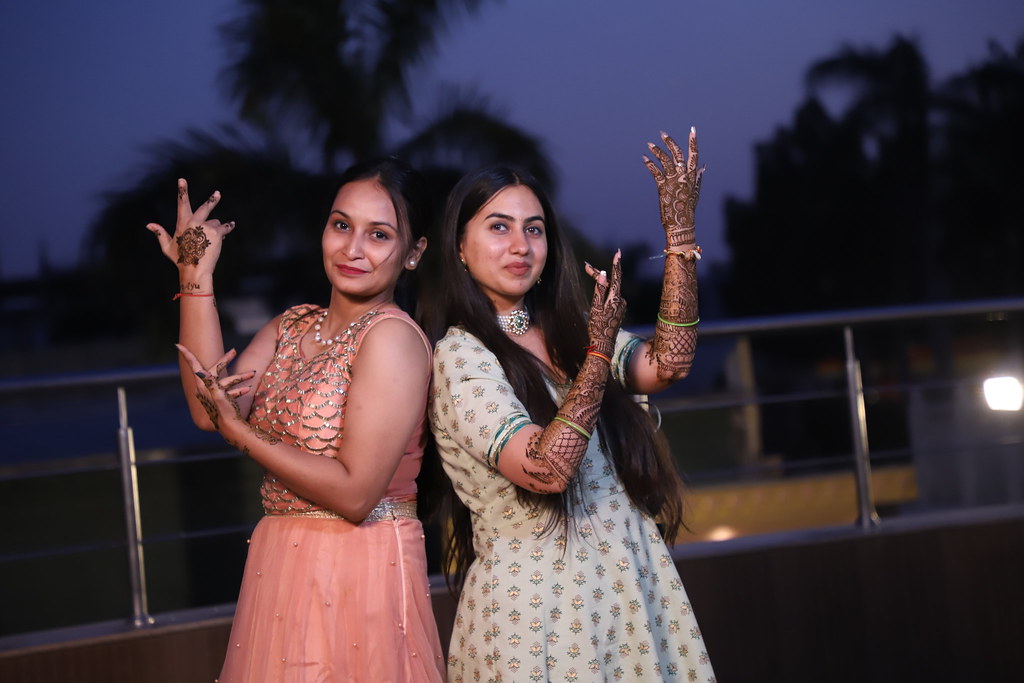
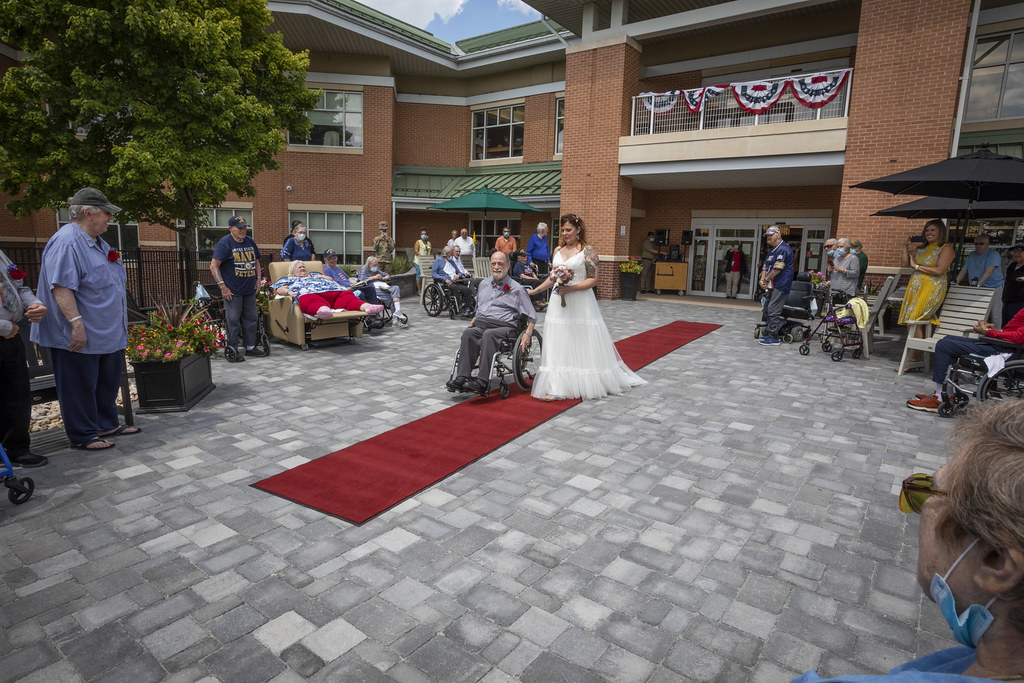
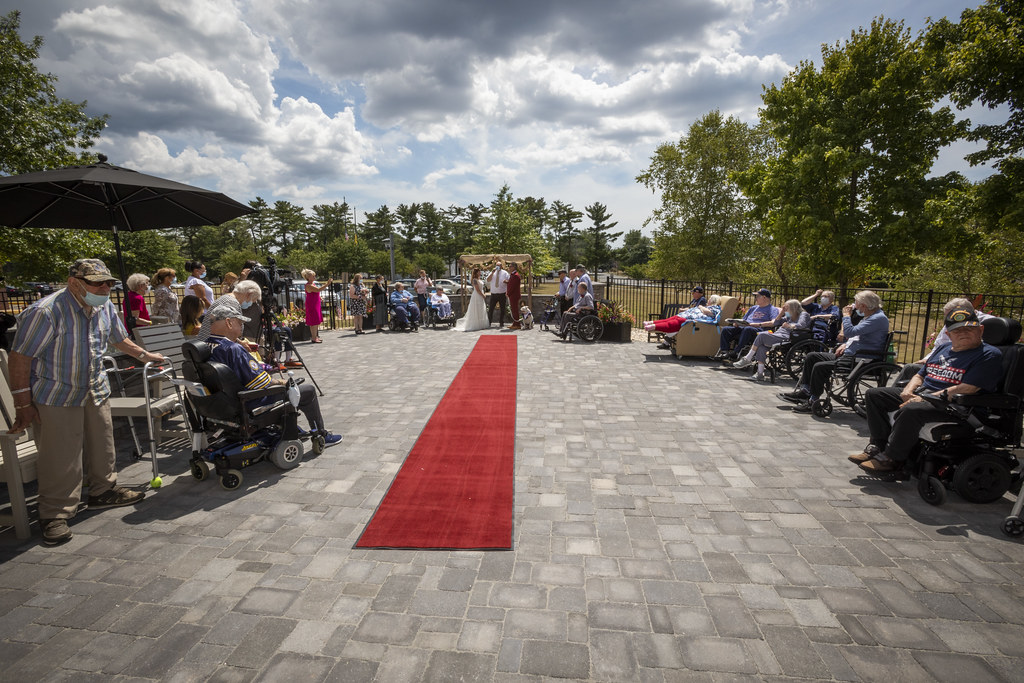
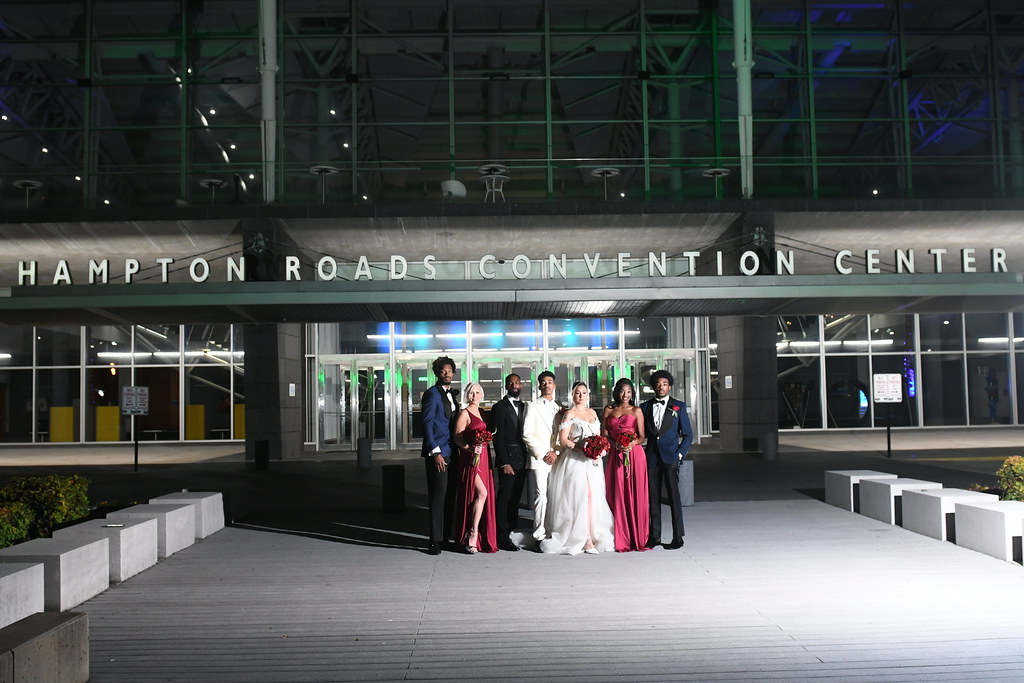
All four are public domain or CC0 (full list: cull-test-set attribution) and shown here only to illustrate what the test set actually looks like — a mix of event photography, not one photographer’s shoot. They are not the specific frames Select flagged below: we recorded the AI’s judgment by in-app position, not by file, so that link can’t be reconstructed after the fact. That gap is itself a lesson in why the results below separate “what the AI said” from “whether it was right.”
The three tools at a glance
| Tool | Best known for | Price | Free tier |
|---|---|---|---|
| Aftershoot | Local-only processing | Culling from ~$10-15/mo; bundle ~$45-55/mo | Trial only |
| Narrative Select | Expression/face-heavy selection, processed locally | $10-60/mo (AI culling features from $20) | Free Ultra trial |
| FilterPixel | Cloud processing, unpredictable volume | Free tier + $14.99-33.99/mo | Yes, permanent (limited) |
Aftershoot
Aftershoot (try it →) processes entirely on your own machine — RAW files never leave your computer during culling. Its culling-only plan starts around $10-15/mo; a full bundle adding editing and retouching runs roughly $45-55/mo. Best for: photographers who want (or need, for client-privacy reasons) to keep files completely local.
Narrative Select
Narrative Select (try it →) works face by face: it tags every detected face in a frame — mid blink, eyes closed, eyes barely open, facing away, soft or poor focus — and rolls those into a per-image First Pass verdict running from “Best in scene” down to “Undesirable”.
This is the one tool of the three we have actually run. Across our 400-frame set, Select marked 27 images “Undesirable”, and 15 of those 27 carried an eye-related tag; the remaining 12 were focus or subject-orientation calls. That tells you the assessments are specific and legible — you can see why a frame was rejected — but it is not an accuracy rate: we recorded what the AI said, not whether it was right, and we have not built an independent label set for all 400 frames.
Two things to know before choosing a plan. First, focus scores exist only for images where at least one face is detected — 120 of our 400 frames received no focus score at all, which is exactly the documented behaviour (Narrative’s filter list includes “no focus score — images without detected faces”). If a large share of your take is wide venue or detail shots, that share simply falls outside the scoring. Second, the features that make Select worth its price — image focus scores, the Close-ups panel, Scenes View, and filtering by First Pass assessment — begin at the Standard plan ($20/mo); the $10 Lite plan shows eye and focus assessments on hover only.
Processing is local: Narrative’s documentation states images are never uploaded for processing or analysis during culling, and the app runs fully offline after the first login. The one documented exception is optional and separate — training a personal AI editing preset on your own back catalogue converts those images to DNG and uploads them for cloud training. For big group shots, note that the Close-ups panel shows at most 24 faces per image, prioritising the main subjects. It runs on Windows 11 or macOS 12+, though the newest additions (shoot type detection, key subject highlighting) are macOS 14 on Apple Silicon for now. Best for: expression- and face-heavy galleries like wedding ceremonies and portrait sessions.
FilterPixel
FilterPixel is cloud-based, so processing power doesn’t depend on your own machine — useful if shoot volume varies unpredictably from job to job. It has a genuinely permanent free tier (a capped number of projects and photos), not just a trial, plus paid plans from ~$14.99/mo (Standard) to ~$33.99/mo (Pro). Best for: photographers whose local machine would bottleneck on very large or occasional heavy culls.
So which should you use?
- Privacy or local-only requirement: Aftershoot or Narrative Select — both cull on your own machine, and Narrative additionally works fully offline.
- Wedding, portrait, or headshot work where expressions and eye contact matter most: Narrative Select.
- Variable shoot volume, or your machine can’t keep up: FilterPixel.
- Occasional shooter who wants to test before committing: FilterPixel’s permanent free tier.
- Want editing bundled with culling: Narrative Select from the Standard plan ($20/mo) for AI presets applied to your selects; Aftershoot’s full bundle if you want retouching as well, which neither of the other two does.
Photographers who need full retouching, not just selection. These tools are built for culling (sorting/selecting) thousands of shots down to a deliverable set — only Aftershoot's higher bundle adds retouching on top.
Anyone who won't send RAW files to a cloud service. FilterPixel is the cloud-based one here. Aftershoot and Narrative Select both process on your own machine — Narrative's documentation states images are never uploaded for processing or analysis and that the app runs fully offline after first login.
Frequently asked questions
What's the best AI culling tool for wedding photography?
Aftershoot or Narrative Select if keeping RAW files local (off the cloud) matters most — both process on your own machine. Narrative Select for galleries heavy on expressions and faces: we ran 400 wedding and event frames through it and its assessments are face-by-face (blink, eyes-closed, focus). FilterPixel if your own machine can't handle processing thousands of RAW files locally.
What's the best AI culling tool for corporate events and conferences?
The same three tools apply: Aftershoot and Narrative Select both cull on your own machine, Narrative Select leaning toward expression-heavy shots, and FilterPixel for cloud processing when volume is unpredictable shoot to shoot.
What's the best AI culling tool for portrait or headshot sessions?
Narrative Select for expression- and eye-contact-driven picks, which matters most in portrait work — its assessments are attached to each detected face. Aftershoot is the alternative if you want culling, editing, and retouching from one vendor. FilterPixel if you're an occasional portrait shooter who wants to test on a free tier before committing.
Which culling tool has a genuinely free tier?
FilterPixel has a permanent free tier (limited projects, capped photos per project), not just a trial. Aftershoot and Narrative Select offer free trials rather than an ongoing free plan.
Do these tools also edit and retouch, or only cull?
Aftershoot offers a modular bundle that adds editing and retouching on top of culling, at a higher price. Narrative Select includes AI editing presets from its Standard plan ($20/mo) and trainable personal presets on Premium and Ultra, but neither Narrative nor FilterPixel does full retouching.
Related guides
Best tool for…AI Room Design From a Photo, Free and Without Login — Where Free Stops
Free no-login room redesign tools are real. What they don't tell you: watermarks, commercial licensing, and — if the photo goes on a listing — MLS disclosure rules and California's AB 723.
Head to headClaude vs ChatGPT: Which Is Better in 2026?
A balanced, use-case-first comparison of Claude and ChatGPT — which wins for writing, coding, research, and everyday use, plus how they stack up against Gemini and Perplexity.